

Home, Workspaces & Projects
Signing in to app.nanome.ai opens the Home page. It lists recently opened workspaces and projects, and the left sidebar switches between 3 views: Recent, All Workspaces and All Projects.
A project is a folder of workspaces with its own members. A workspace is the shared 3D document that holds structures, scenes, comments and permissions. Every workspace belongs to one project.
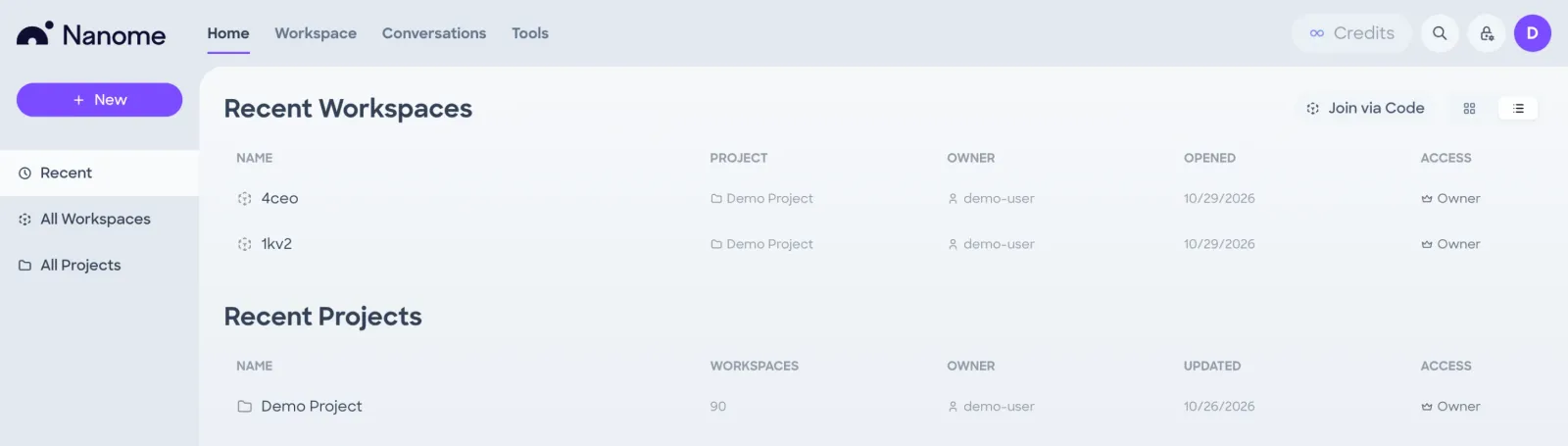
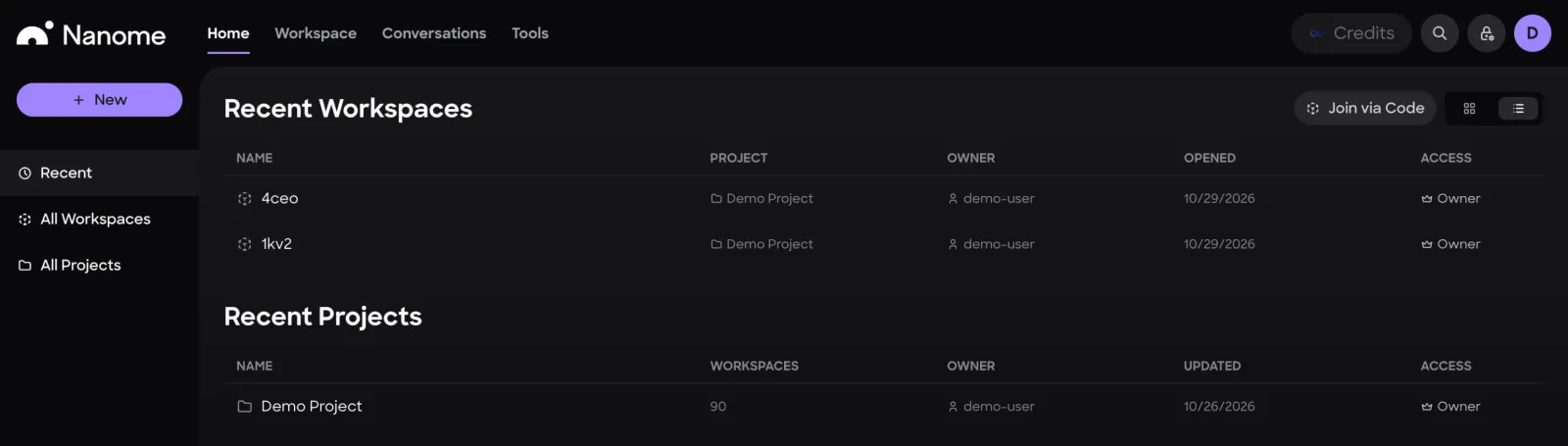
Recent
- Recent Workspaces lists the workspaces you opened most recently, with their project, owner, the date you last opened them, and your access level (Owner, Editor or Viewer).
- Recent Projects lists projects with their workspace count, owner, last update and your access level.
The 2 buttons at the top right switch between a grid of cards and a list.
Join via Code
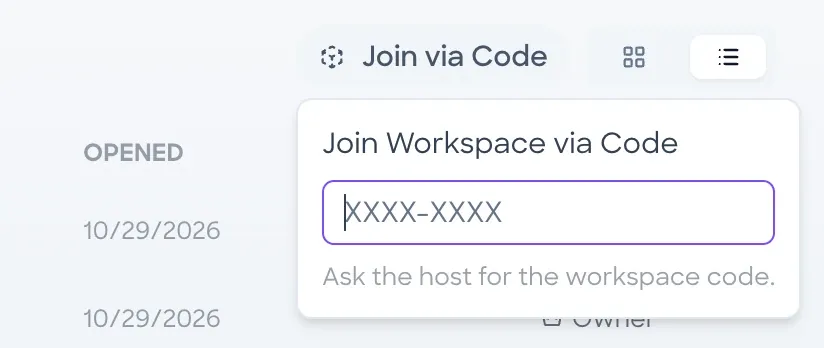
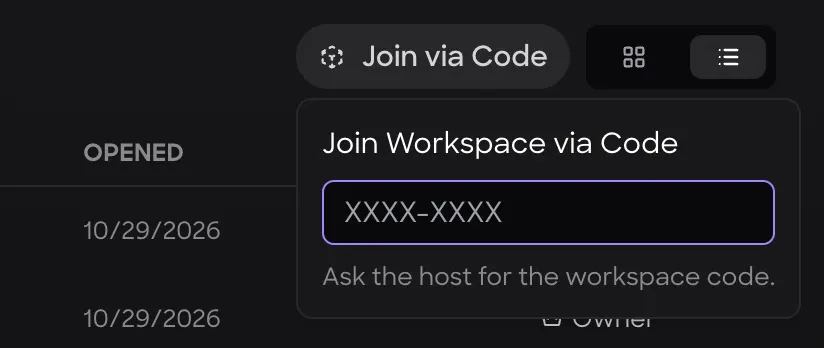
Join via Code opens a box for a workspace code in the form XXXX-XXXX. The dash is added for you, and the workspace opens as soon as all 8 characters are in. The workspace host can read the code from the Users tab of the workspace.
Workspaces
The All Workspaces view lists every workspace you can open.
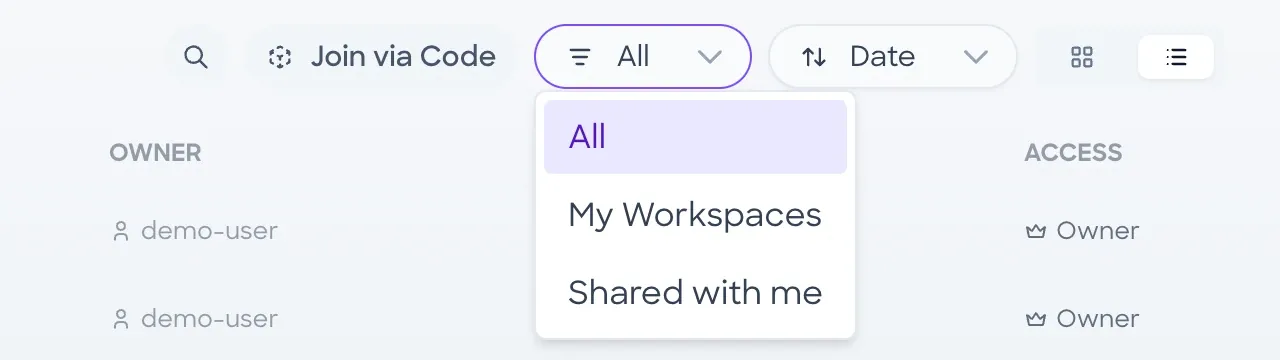
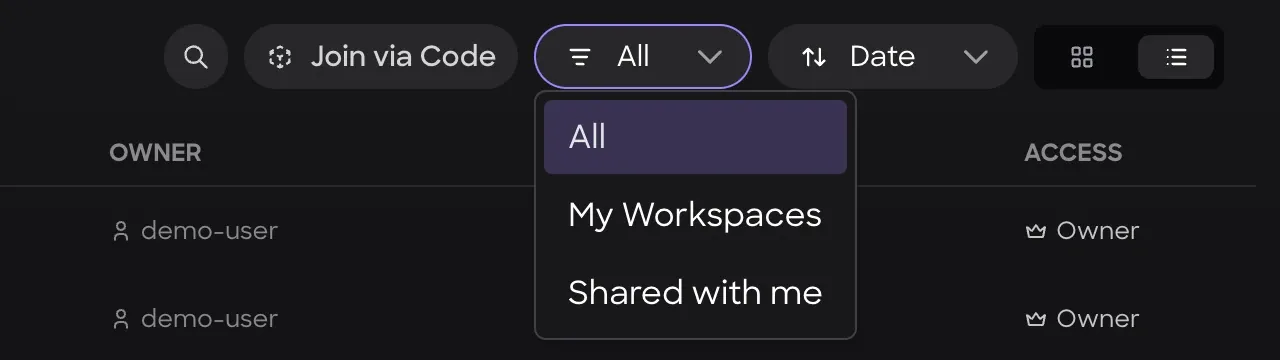
- SearchSearches the workspace list.
- Join via CodeOpens a workspace from its code.
- FilterAll, My Workspaces (ones you own), or Shared with me.
- SortBy Name or by Date.
- Grid viewShows the workspaces as a grid of cards.
- List viewShows the workspaces as a list.
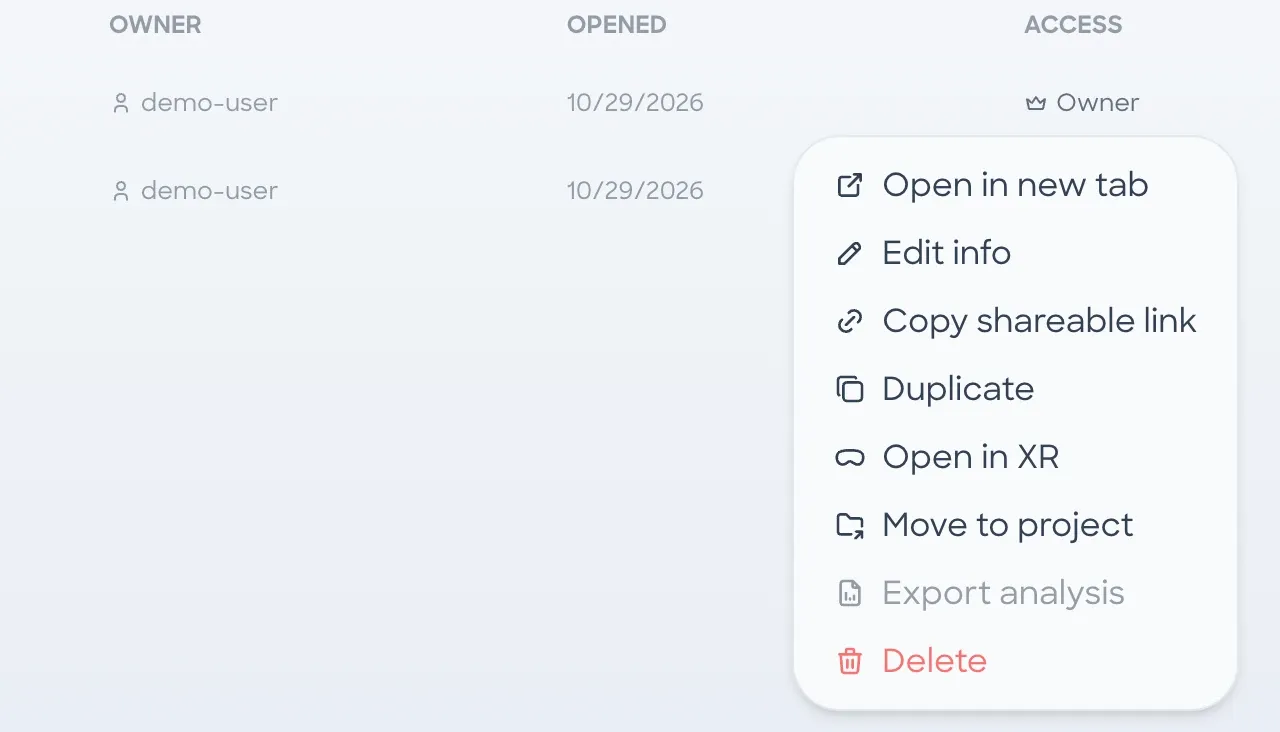
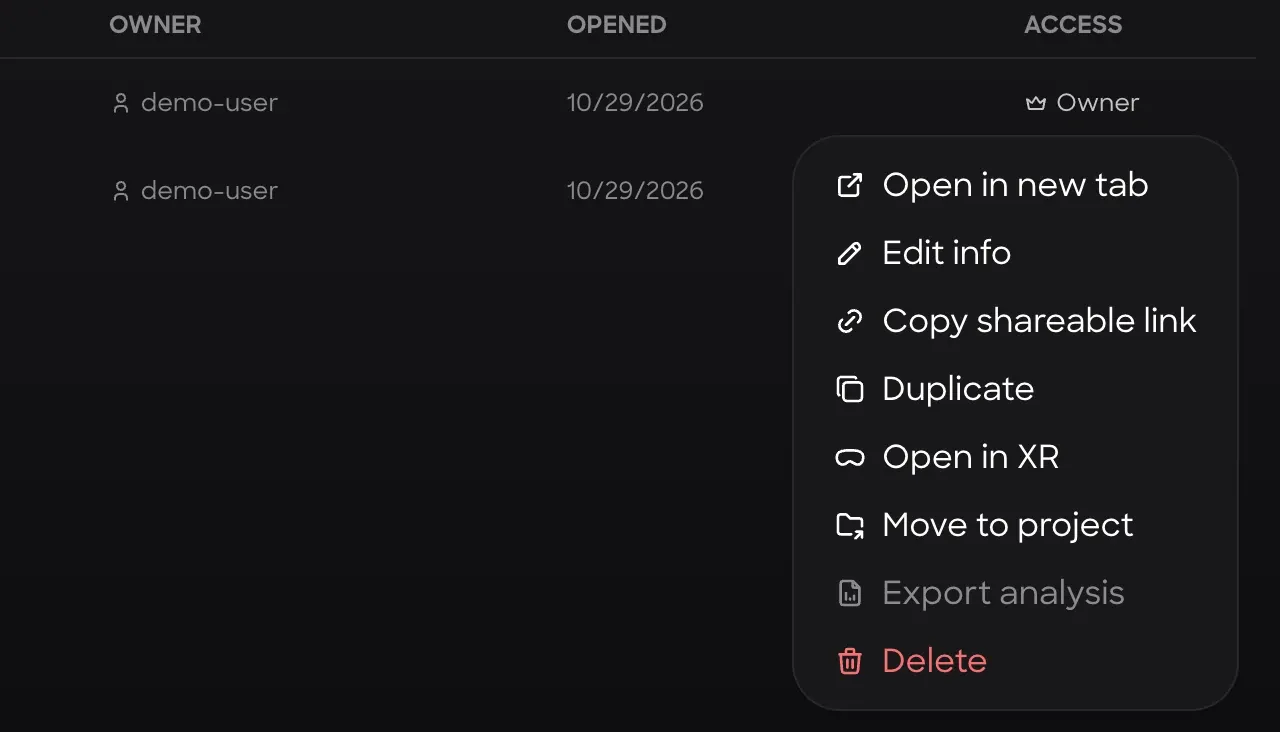
Right-clicking a workspace row, or clicking its (...) button, opens the same menu that sits in the header of an open workspace:
- Open in new tabOpens the workspace in a new browser tab.
- Edit infoChanges the workspace name and description.
- Copy shareable linkCopies a link to the workspace. If Link access is Members only, it first changes it to Anyone can view.
- DuplicateMakes a copy of the workspace.
- Open in XRSends the workspace to Nanome XR on your headset. With other people in the headset's session, it asks Just Me or Load for All.
- Move to projectMoves the workspace into another project.
- Export analysisA ZIP of CSV files for the current scene: chemical interactions, measurements and minimization history. Only the open workspace's menu has it; in the list it shows on that workspace's row, grayed out.
- DeleteDeletes the workspace. If you don't own the workspace or its project, this item is Leave, which removes you from it.
Projects
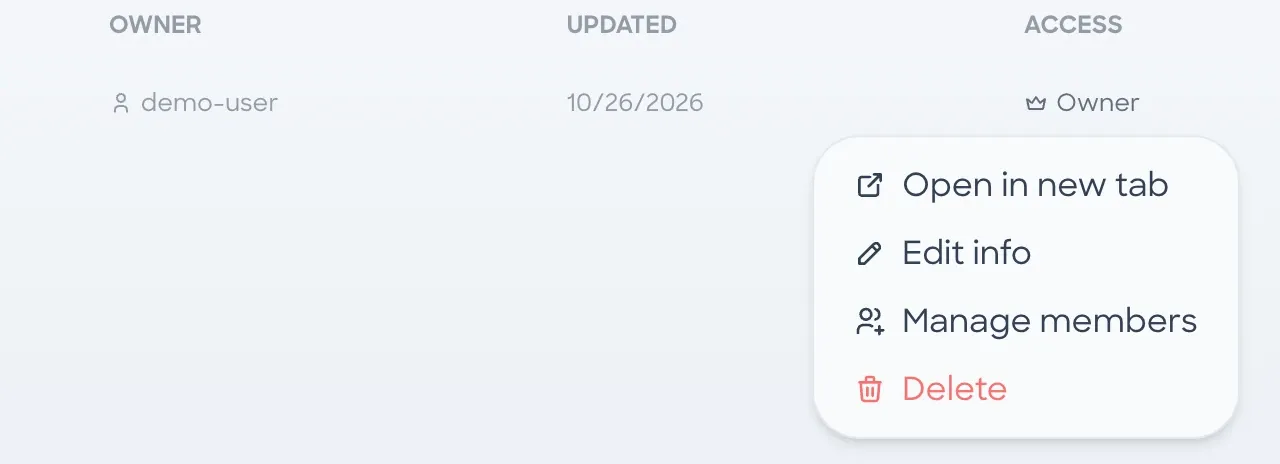
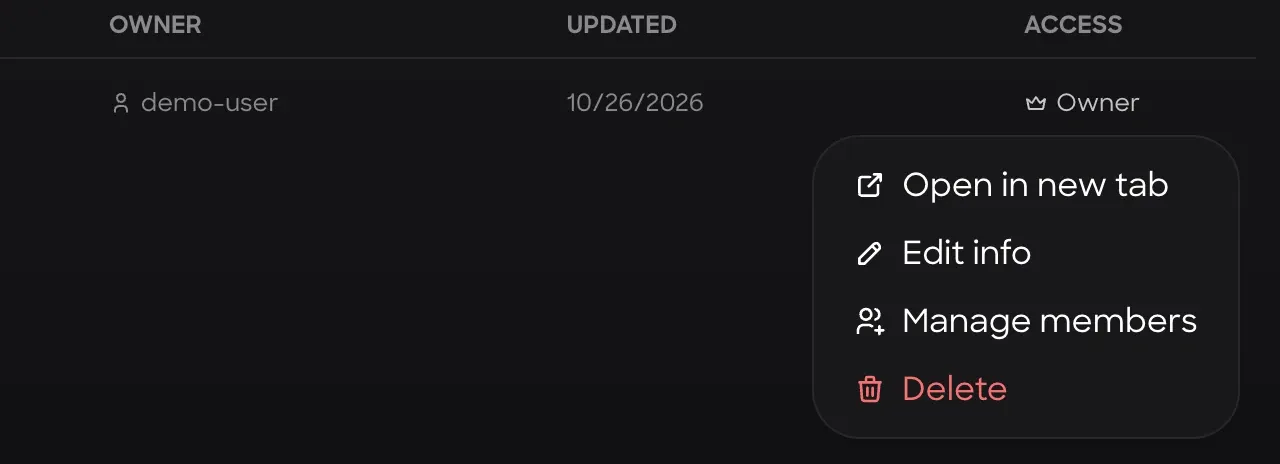
The All Projects view lists projects with their workspace count, owner, last update and your access level. It has the same search, filter, sort and layout controls as the All Workspaces view.
The row menu has Open in new tab, Edit info, Manage members and Delete (Leave on a project you don't own).
Project page
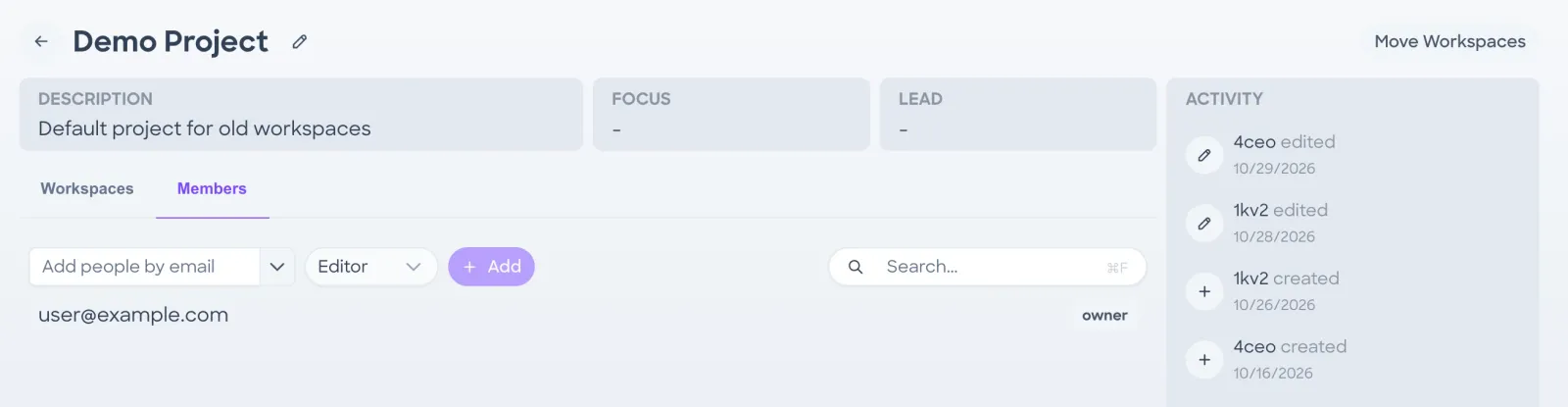
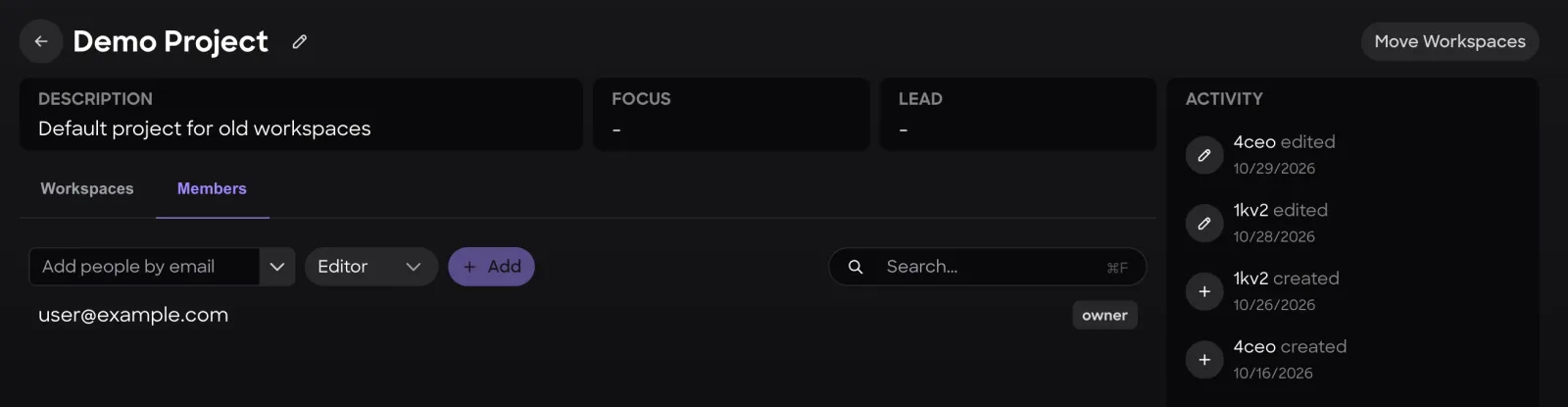
- The fields across the top.
- A feed on the right that records when workspaces in the project are created and edited.
- Moves workspaces you own from other projects into this one.
- A tab that lists the project's workspaces.
- A tab that adds people by email as Editor or Viewer and lists current members with their role.
New
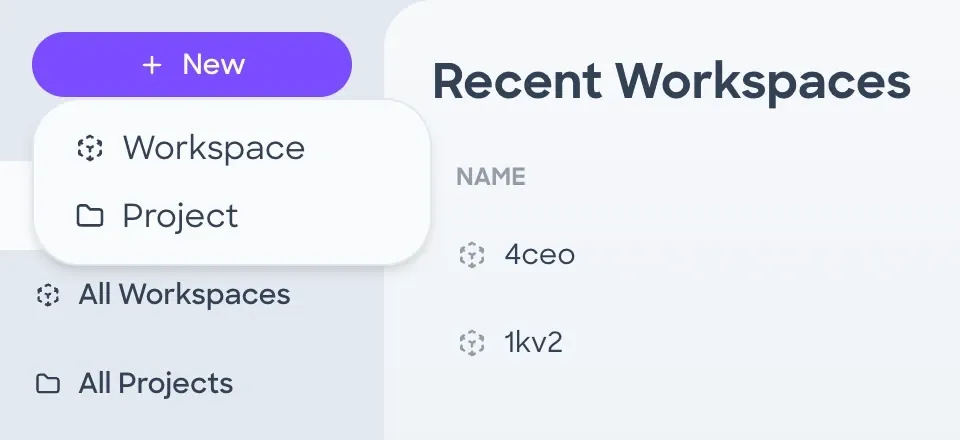
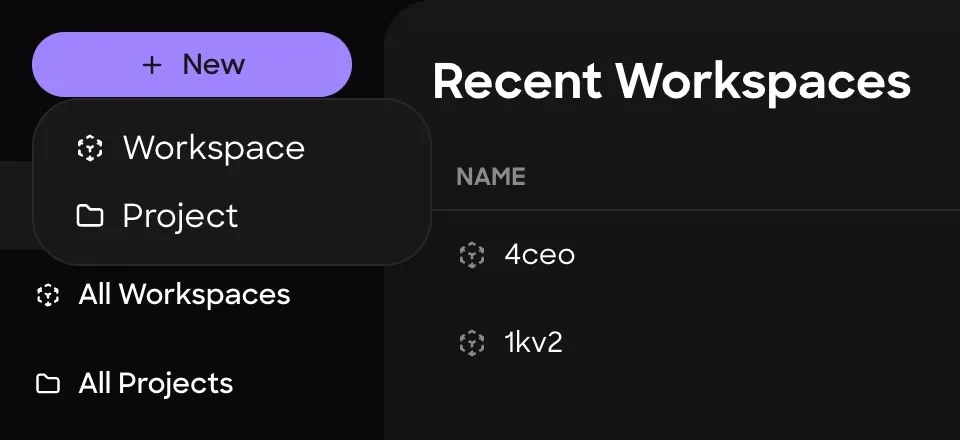
The New button at the top of the sidebar creates a Workspace or a Project.
Top bar
The top bar is on every page.
- Returns to this page.
- Returns to your open workspace tabs.
- MARA chats, plus the comment threads you watch and comments that mention you.
- MARA's tools, integrations, workflows and knowledge.
- CreditsYour account's credit balance. Accounts with unlimited credits can hide it in Settings.
- Join Workspace via CodeOpens a workspace from its 8-character code, on pages without their own Join via Code button.
- Login via Device CodeSigns a headset in to your account.
- Your initial: account, billing, organization and settings pages, plus Logout and the web app version.
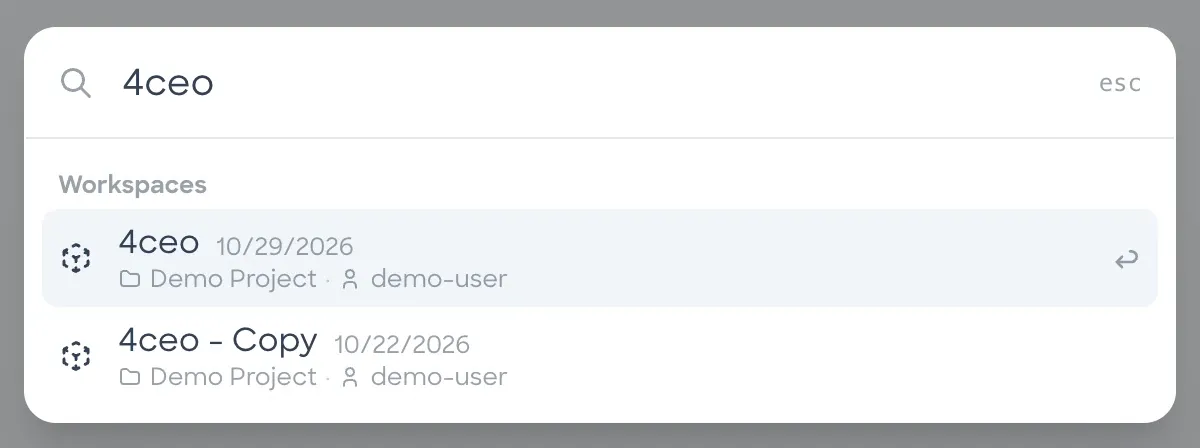
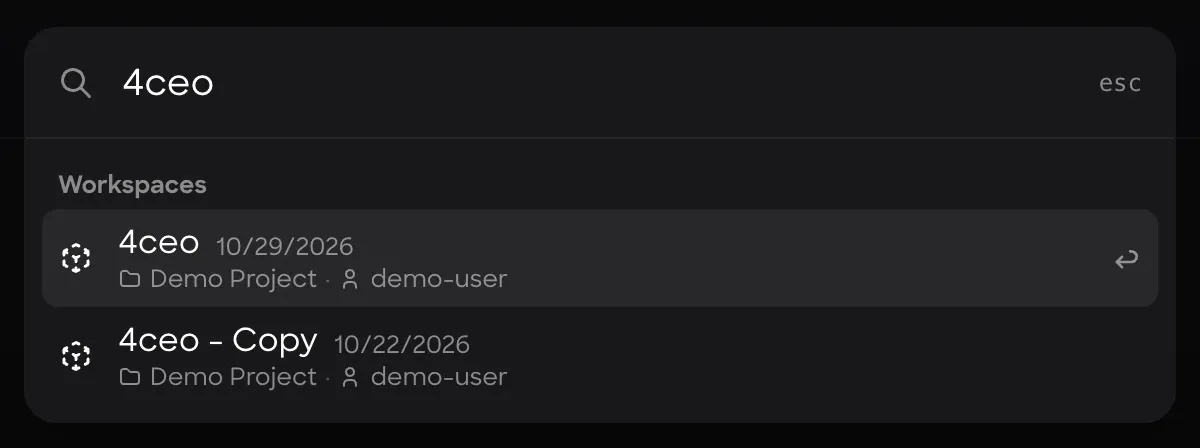
- Search (⌘K)Finds workspaces by name, project or owner, and projects by name. On Windows and Linux the shortcut is Ctrl+K. Workspace results show the project, owner and last-opened date.
Account limits
Free licenses are limited to 1 owned project, 3 owned workspaces and 5 structures per workspace, with view-only access to workspaces and projects that others share. They can still spotlight and follow there. Nanome Web shows a message when a limit is reached. Account Tiers compares the free and paid seats.