

Ligands Tab
The Ligands tab is a table of every ligand in the workspace, with a 2D drawing and calculated properties for each. It's the same ligand list as the Ligands tab in Nanome XR.
Each row is one ligand in one model of one entry. In 4CEO, the G0T ligand in chain A and its copy in chain B get a row each, and each model of a multi-model file gets its own row too. For a PDB entry, a ligand's name is its chain, ligand code and residue number, such as A:G0T_1215, the same name its components carry in the Entries tab.
In Nanome XR, the Ligands tab also has Zoom, Bulk-Display, 3D property labels, and an Edit button that opens the Builder Tool. They're described under the Ligands tab in Nanome XR.
Toolbar
- Filter ligandsNarrows the table. The button shows how many ligands are listed out of the total, for example 2/2.
- Select property columnsChooses which properties appear as columns.
- View presetsSaved sets of columns and filters, shared across the project.
- Matches the name, the tag or any property value.
- FullscreenOpens the table in a larger window.
Along the bottom of the tab:
- Preview allOpens a 3D preview of the listed ligands, or the checked ones, as one multi-model SDF that steps through them one model at a time.
- Download allDownloads the listed ligands, as a Combined multi-model SDF or a ZIP of individual SDFs.
- Sketch newOpens the 2D sketcher to draw a new ligand. Saving it adds a new entry named sketch 1, sketch 2 and so on.
Preview all and Download all show when the tab has 2 or more ligands.
The table
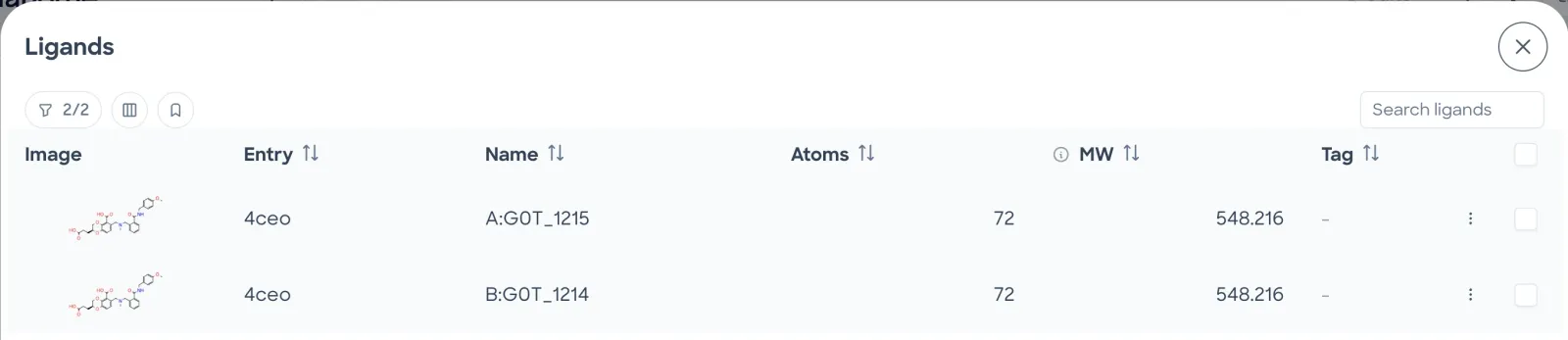
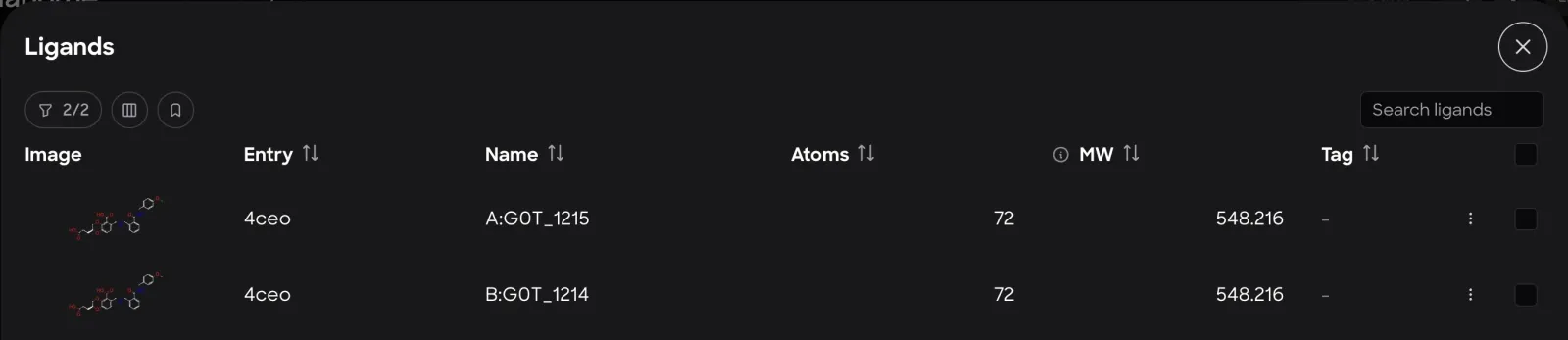
Each row shows the ligand's 2D drawing, its entry, its name, and the chosen property columns. Atoms and MW are shown by default.
- The ligand's 2D drawing. Clicking it opens a 3D preview of that ligand alone, with its own Download button.
- The structure the ligand belongs to.
- Chain, ligand code and residue number.
- SortA column header with arrows sorts the table by that column.
- Column infoShows what the column means.
- The ligand's tag. A dash means it has none.
- ActionsThe row's menu: Download SDF, Sketch variant, Properties and Tag.
- One on each row, and one in the header row. With rows checked, the bottom buttons show the count, such as Preview 2 and Download 2, and act on those rows only.
- CloseCloses the full-screen table.
Actions menu
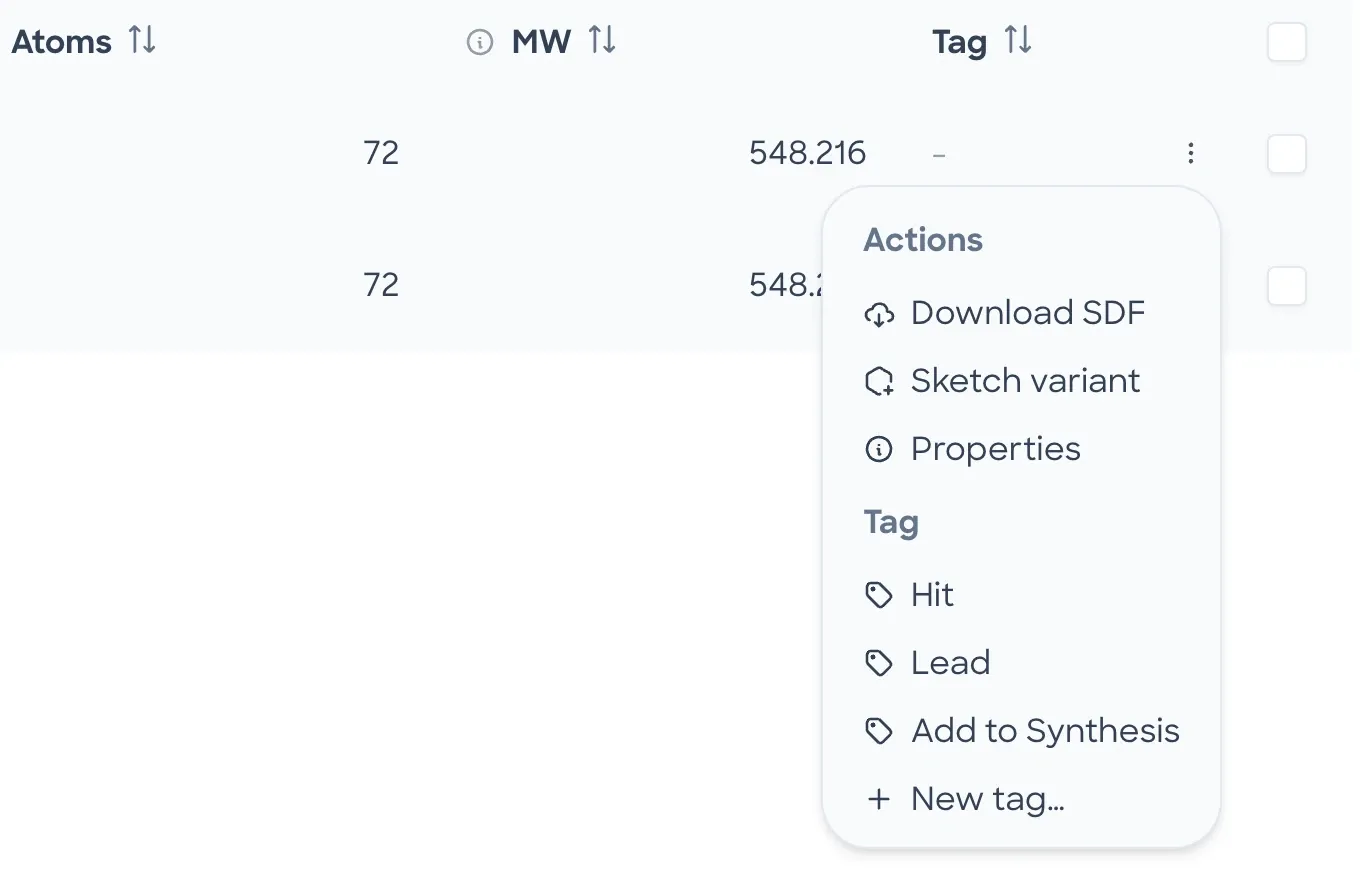
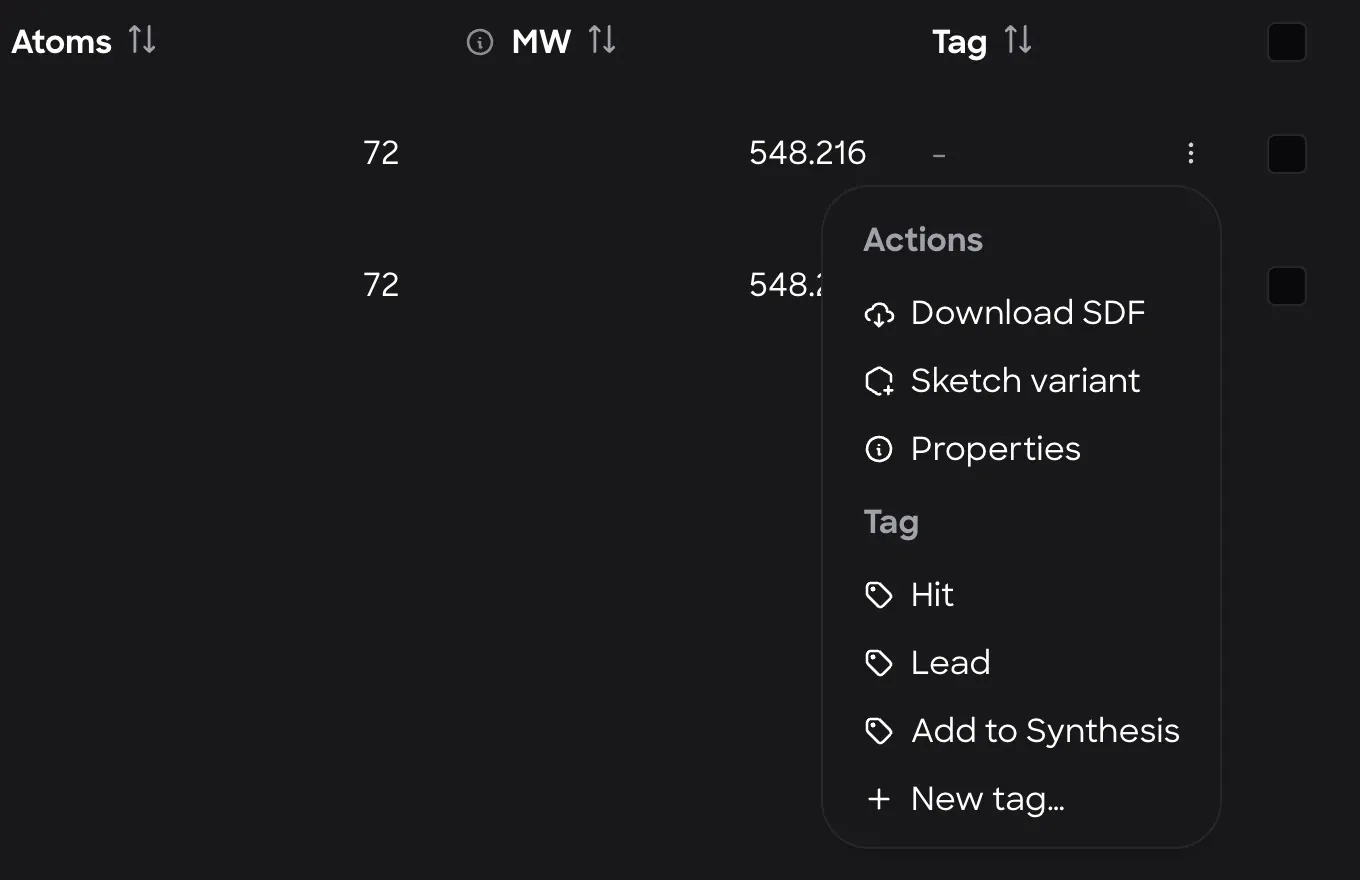
Each row has a checkbox and a Actions menu, at the right end of the table:
- Download SDFDownloads the ligand as an SDF file.
- Sketch variantOpens the ligand in the 2D sketcher to draw a variant. Saving it adds a new entry, named sketch 1, sketch 2 and so on, aligned onto the ligand it came from.
- PropertiesShows the ligand's properties by their property names, in 2 groups: Imported Properties from the file and Computed Properties.
- TagHit, Lead, Add to Synthesis, or New tag… for a custom tag. The current tag has a check mark, and Remove tag clears it. The tag appears in the Tag column.
Only Editors see Sketch variant, the Tag list and Sketch new.
Preview
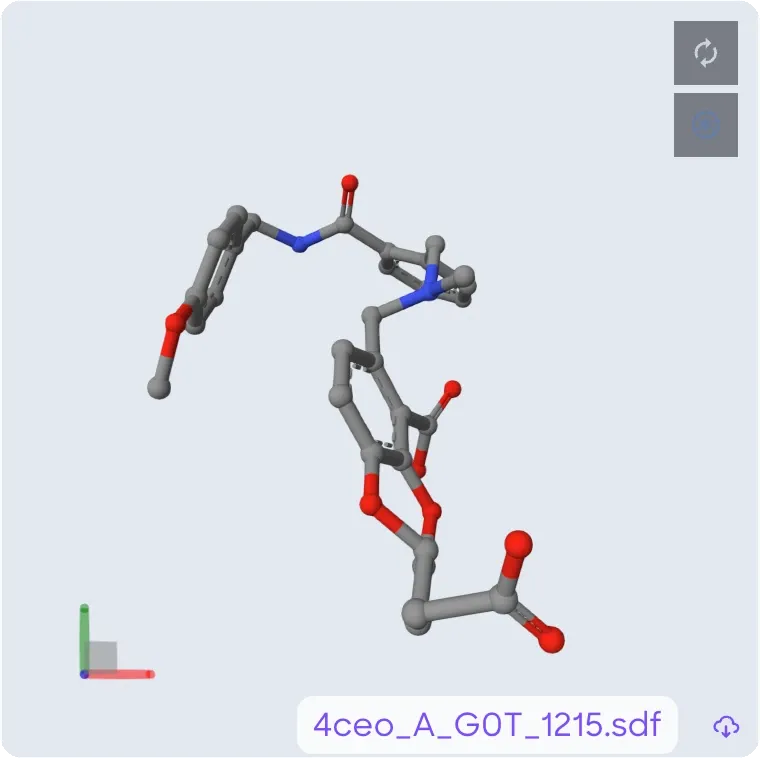
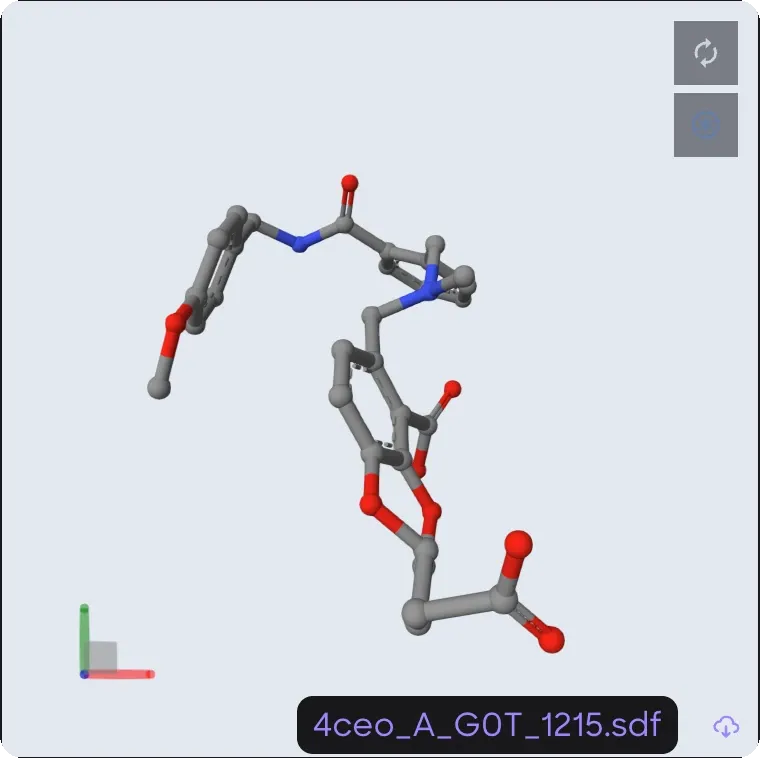
Preview all opens this view:
- The SDF file name, taken from the first ligand: entry, chain, ligand code and residue number.
- DownloadDownloads the whole preview as one SDF file.
Filters and view presets
Filter ligands narrows the table by property values. Its count shows how many ligands pass, out of the total, and the button fills in while a filter or Filter by currently visible is on.
- Keeps only the ligands of entries loaded in the 3D view. It shows once the 3D view is ready.
- One line per filter, such as MolWeight < 500, with to remove it. With none, it reads No filters yet.
- The property to test: any property the ligands have, plus Rating.
- For numbers: =, ≠, <, ≤, > and ≥. For text: =, ≠, contains, does not contain, starts with and ends with. It starts on =.
- The value to compare with. , or Enter, adds the filter.
- A property counts as a number when any ligand's value for it is a number. Rating always does.
- Numbers compare by value. Text compares without regard to case.
- A ligand without the property fails that filter.
- The table lists a ligand only when it passes every filter, the search and, while it's on, Filter by currently visible.
View presets are saved views of the table. Each one has a name, a set of columns and a set of filters. Presets belong to the project, so the button shows only for a workspace in a project, and every workspace in the project offers the same list, here and in the Nanome XR Ligands tab.
- One button per preset, by name, with the tooltip Apply columns and filters. Picking one sets the table's columns and filters to the preset's.
- Delete presetThe first click asks to confirm, and a second click within 3 seconds deletes the preset.
- A name for the current columns and filters. , or Enter, saves them as a new preset.
A project without presets shows No presets in this project yet. Only people who can edit the project see Delete preset and New preset name.
The copy of the table under Property columns filters and applies presets the same way.
Tags and ratings
A tag marks where a ligand stands, such as a hit or a lead. The Tag list in a row's Actions menu sets it.
- A ligand has 1 tag at most. Picking another replaces it.
- By default the list has Hit, Lead and Add to Synthesis. New tag… adds a custom tag to the workspace's list and tags the ligand with it.
- Tags are saved with the workspace, so everyone in it sees them, in Nanome Web and in the Nanome XR Ligands tab.
- A ligand without a tag shows a dash in the Tag column.
Rating is a column too: up to 5 stars, stored with each ligand, so everyone in the workspace sees the same rating. Editors set it by clicking the stars in the Rating column, in Nanome Web or Nanome XR.
Property columns
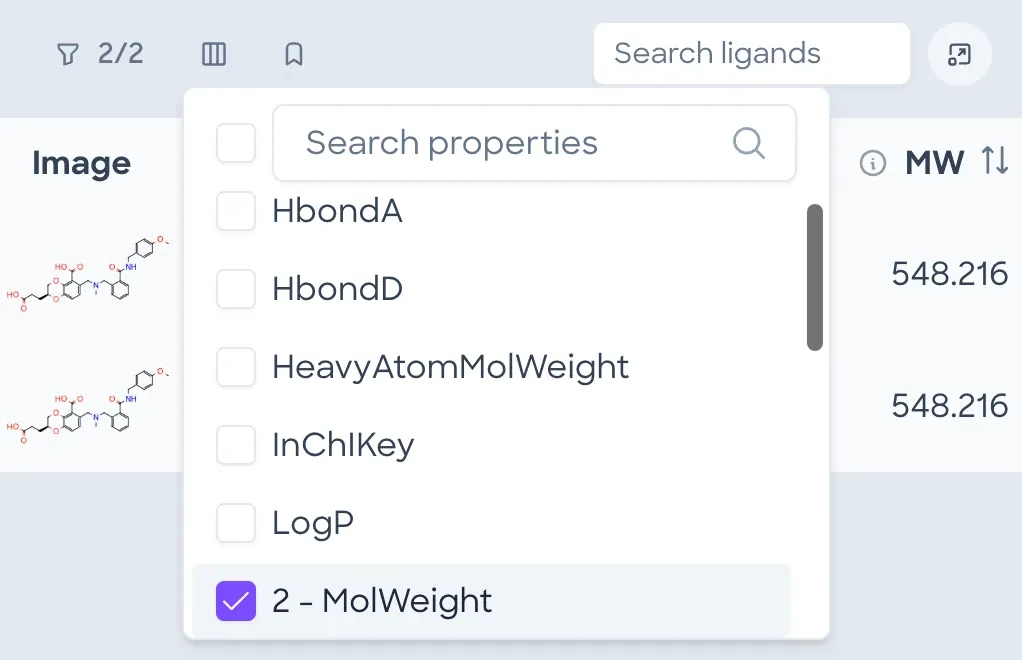
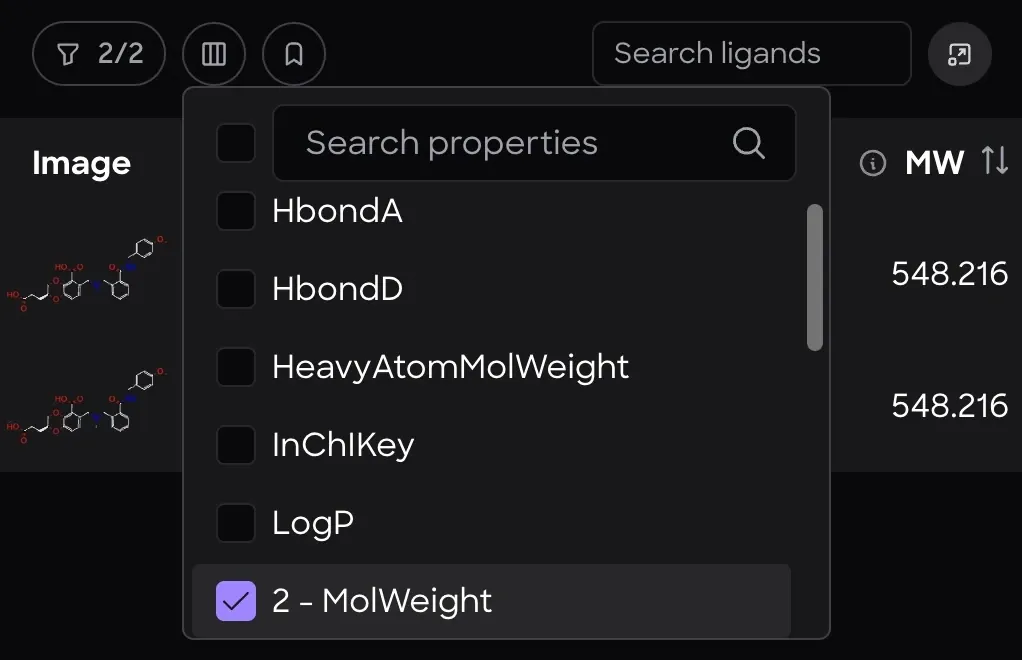
Nanome calculates these properties with RDKit on its server. SDF data fields from the source file can also be shown as columns.
- Search propertiesFilters the list by name.
- A checkbox for each property. A checked property gets a column.
- A checked property shows its place among the property columns. 2 - MolWeight is the second, after Atoms.
| Column | What it is |
|---|---|
| NumAtoms | Number of atoms, including hydrogens. Shown as Atoms. For G0T (C₃₀H₃₂N₂O₈) it's 72: 30 C, 32 H, 2 N and 8 O |
| Num | Number of non-hydrogen atoms. Shown as Heavy Atoms |
| Mol | Monoisotopic (exact) mass in daltons, including hydrogens. Shown as MW |
| Heavy | Monoisotopic mass of the non-hydrogen atoms only. Shown as Heavy Atom MW |
| LogP | Wildman-Crippen estimate of log P, the base-10 logarithm of the octanol-water partition coefficient. Shown as Log P |
| TPSA | Topological polar surface area (Ertl method, from N and O atoms only), in Ų |
| HbondD | Hydrogen-bond donor count (RDKit's pattern-based definition, which differs from Lipinski's N-H plus O-H count). Shown as HBD |
| HbondA | Hydrogen-bond acceptor count (RDKit's pattern-based definition, which differs from Lipinski's N plus O count). Shown as HBA |
| Num | Rotatable bond count. Shown as Rotatable Bonds |
| NumRings | Ring count. Shown as Rings |
| Num | Aromatic ring count. Shown as Aromatic Rings |
| Num | Count of rings with at least one non-aromatic bond. Shown as Aliphatic Rings |
| Num | Count of rings made only of single bonds. Shown as Saturated Rings |
| SMILES | SMILES string |
| InChIKey | Standard InChIKey |
| Rating | A value people enter, stored with the ligand. See Tags and ratings |
The copy of Nanome Web's table below holds 8 inhibitors of p38α MAP kinase from the PDB.
| Row menu | ||||||
|---|---|---|---|---|---|---|
  | 1kv2 | A:B96_391 | 76 | 527.290 | Lead | |
  | 1kv1 | A:BMU_391 | 40 | 306.125 | Hit | |
  | 1a9u | A:SB2_800 | 43 | 377.100 | - | |
  | 1bl7 | A:SB4_800 | 44 | 338.166 | - | |
  | 1bl6 | A:SB6_800 | 38 | 293.133 | - | |
  | 1di9 | A:MSQ_500 | 40 | 327.104 | Hit | |
  | 2gfs | A:PQB_361 | 45 | 371.128 | Lead | |
  | 3heg | A:BAX_1 | 48 | 464.086 | - |
Where the sample ligands come from More detailLess detail
Each one comes from an X-ray structure of human p38α MAP kinase (UniProt Q16539) in which it's the only ligand. Its SMILES comes from its record in the RCSB Chemical Component Dictionary, and each value is computed from that SMILES with RDKit. RDKit gives the NumAtoms and MolWeight values Nanome shows: 76 and 527.290 for B96 in 1KV2, and 72 and 548.216 for G0T in 4CEO.
| Name | Ligand | PDB entry | Also known as |
|---|---|---|---|
| A:B96_391 | B96 | 1KV2 | BIRB 796, doramapimod |
| A:BMU_391 | BMU | 1KV1 | |
| A:SB2_800 | SB2 | 1A9U | SB203580 |
| A:SB4_800 | SB4 | 1BL7 | SB220025 |
| A:SB6_800 | SB6 | 1BL6 | SB216995 |
| A:MSQ_500 | MSQ | 1DI9 | |
| A:PQB_361 | PQB | 2GFS | RO3201195 |
| A:BAX_1 | BAX | 3HEG | Sorafenib |
The RDKit calls are Chem.AddHs then GetNumAtoms for NumAtoms, GetNumHeavyAtoms for NumHeavyAtoms, Descriptors.ExactMolWt for MolWeight, rdMolDescriptors.CalcExactMolWt(mol, onlyHeavy=True) for HeavyAtomMolWeight, Crippen.MolLogP for LogP, Chem.MolToInchiKey for InChIKey, and the matching rdMolDescriptors function for TPSA, HbondD, HbondA and the 4 ring counts.
The copy lists NumRotatableBonds, Rating and SMILES in its picker but leaves their columns out. NumRotatableBonds depends on RDKit settings that haven't been matched to Nanome's, people enter Rating, and one molecule can be written as many valid SMILES. The tags, the 2 entries that Filter by currently visible leaves out and the 2 presets are examples.
Hydrogens and bond orders More detailLess detail
Calculated values depend on the hydrogens and bond orders in the loaded structure. For a PDB or mmCIF file that carries a PDB ID, ligand bonds come from the Chemical Component Dictionary (fetched from the RCSB since 2.7, and from PDBe before that), with any bonds written in the file applied too. Without an ID, the remaining bonds are inferred from the coordinates.