

Enterprise Deployment (Nanome Classic)
Information and resources for on-prem enterprise deployments.
Recommended infrastructure
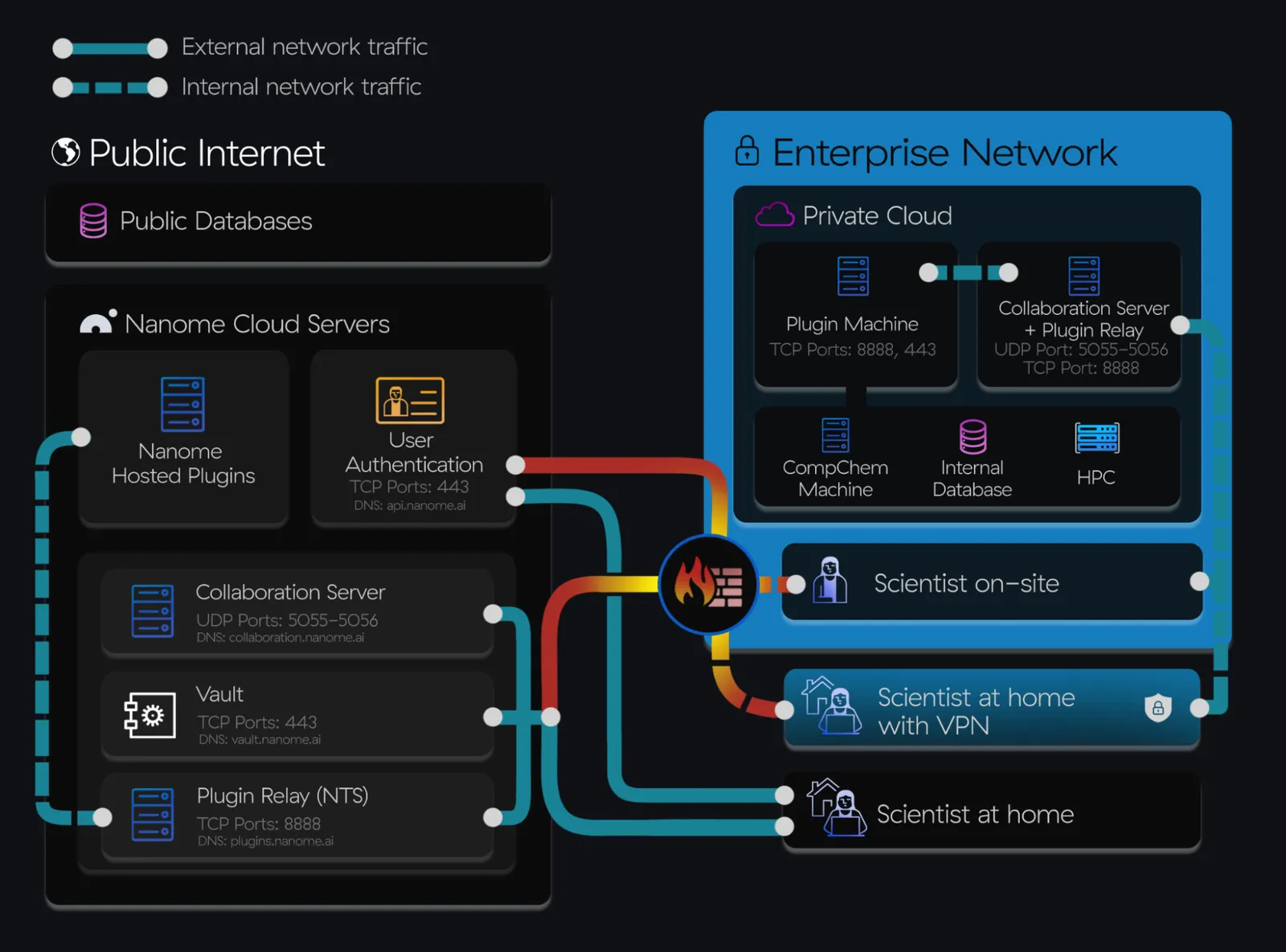
How network traffic in Nanome works, and the enterprise network infrastructure we recommend:
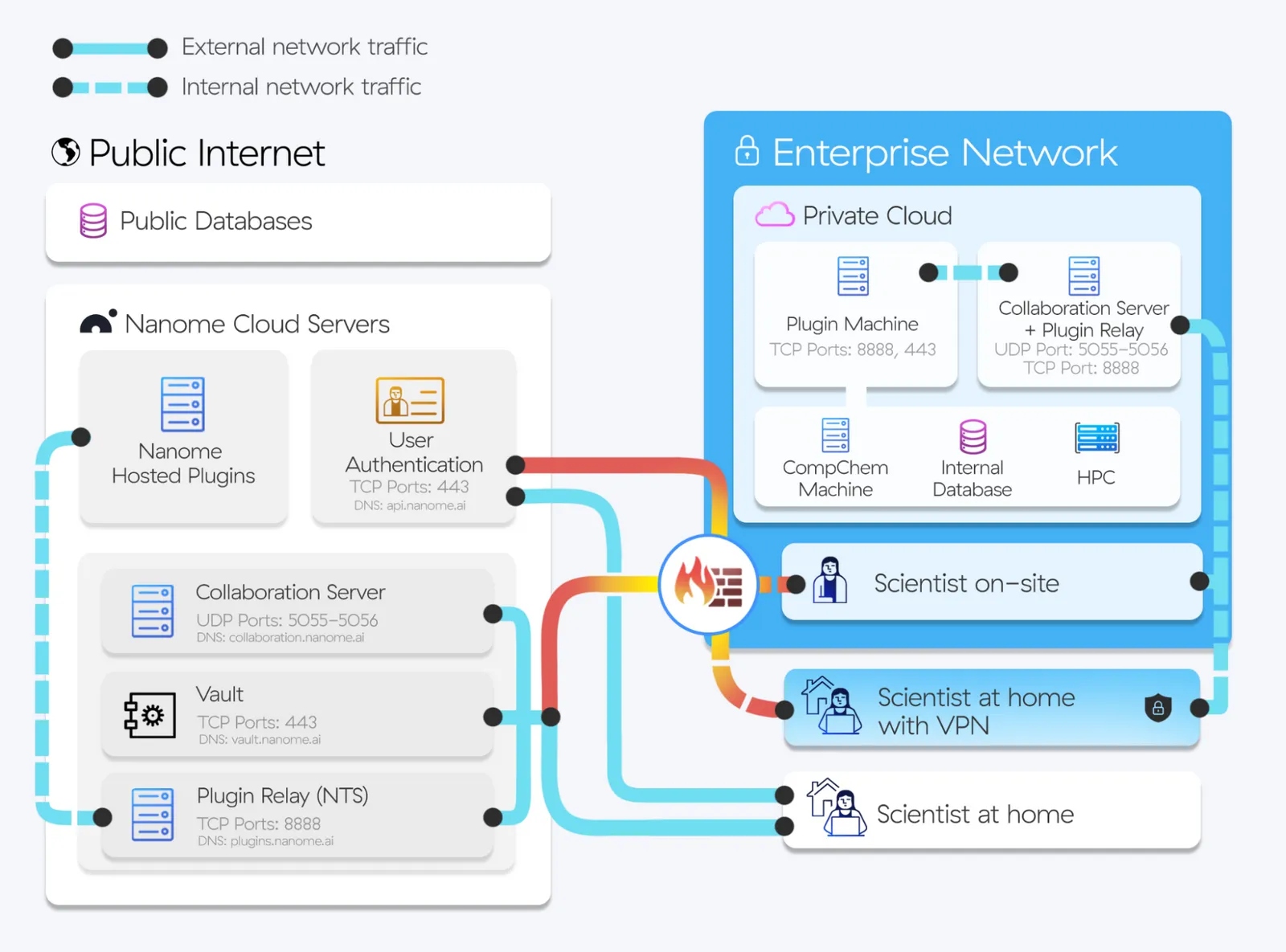
Virtual machines
Recommended specs:
| VM #1: Private Server | VM #2: Dedicated Plugins | |
|---|---|---|
| Instance | Amazon AWS T2.Medium EC2 Windows 2012 Server or greater, or equivalent | Amazon AWS T2.Medium EC2 Linux machine, or equivalent |
| CPU | 2 vCPUs on a T2.Medium, or 1 quad core CPU such as an Intel Xeon 3440 or E3-1230 on a physical server | 2 vCPUs, equiv. to an Intel Broadwell E5-2686v4 or higher |
| RAM | 4 GB | 4 GB |
| Network | 1 Gbps NIC / uplink port speed | 1 Gbps NIC / uplink port speed |
| Operating system | Windows Server 2012 and above | A Linux based operating system (Ubuntu or CentOS) |
| Storage | 10 GB+ | 30 GB |
Ports
Inbound
| To | Ports | So that |
|---|---|---|
| VM #1 | UDP 5055, 5056; TCP 443, 80, 8888 | The VR devices can reach VM #1 |
| VM #2 | TCP 80, 443 | Plugin webpages (like Vault and Data Table) can connect |
Outbound, from each VR device
For internal collaboration:
- UDP ports 5055, 5056 towards VM #1
- TCP port 8888 towards VM #1
- TCP ports 80 and 443 towards VM #2
- TCP port 443 open for "api.nanome.ai", "home.nanome.ai" and "cms.nanome.ai"
For external training sessions with Nanome:
- UDP 5055, 5056 towards the DNS "collaboration.nanome.ai"
- TCP 8888 towards the DNS "plugins.nanome.ai"
Plugin deployment
The Nanome Plugin Deployer README has more detail on each step.
- Provision the Dedicated Plugins Virtual Machine.
- SSH into the VM, and install Git and Docker.
- Pull the Nanome Plugin Deployer and run it.
- Run a Docker container health check.
- Validate the connection from the VR client.
Plugins that need DNS entries
The Data Table, Vault and Quick Drop plugins are hosted differently from other plugins, as DNS entries under your domain.
NTS_IP=<NTS_IP>

./deploy.sh -a $NTS_IP \
  --plugin data-table --nginx --url nanome-table.example.com \
  --plugin vault --nginx --url nanome-vault.example.com \
  --service quickdrop --nginx --url nanome-quickdrop.example.com
HTTPS for web plugins and services
By default, the self-signed certs in the nginx/certs folder are used. To use your own certs, replace default.crt and default.key with them.