Environment
Teleportation
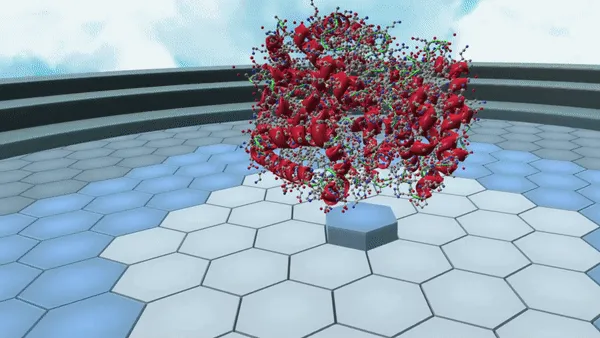
In addition to physically moving around in VR, users can teleport around the environment. Since version 1.24.6, teleporting is turned on with Edit Position on the wrist menu. Users then point to a spot on the floor and press and hold the trigger button with their index finger.
Scaling
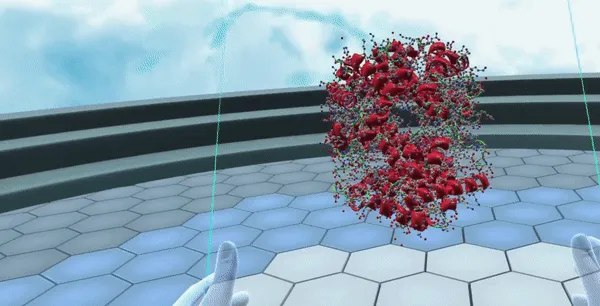
In order to scale the environment or molecular structures, press down on the middle finger 'grip' button on each controller. Next, bring the controllers together to scale the environment smaller or pull them apart to scale the environment larger.
Structure Grabbing & Moving
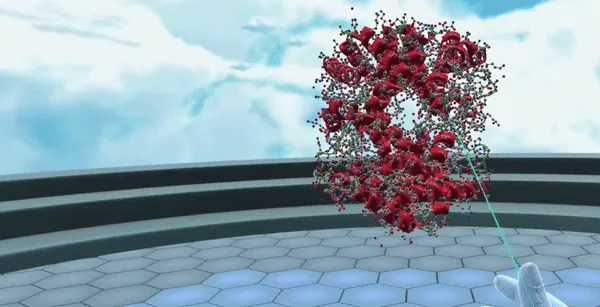
In order to grab a structure, reach out and press the middle finger 'grip' button on one of the left or right controllers. Users can also grab structures from a distance by pointing their ray/laser and then pressing the 'grip' button.
Once the structure is grabbed, users can use the joystick or touchpad of their controllers to move the structure closer or further away from them.
Entry List Grabbing & Scaling